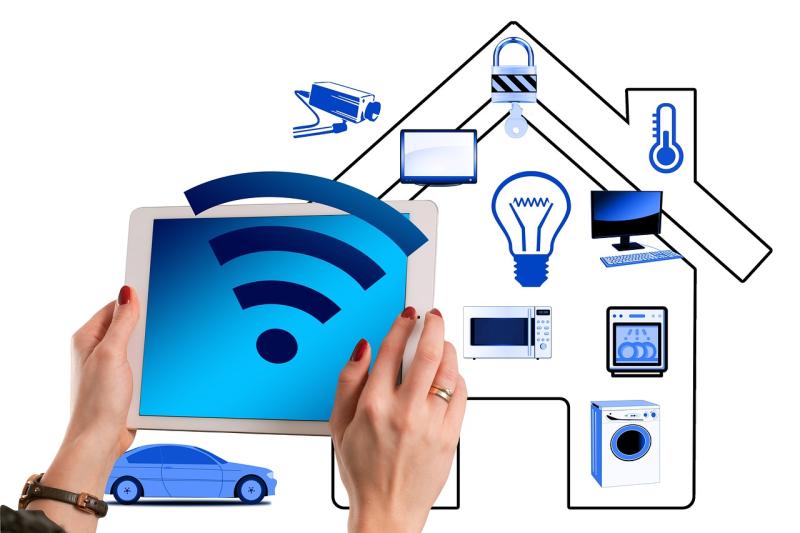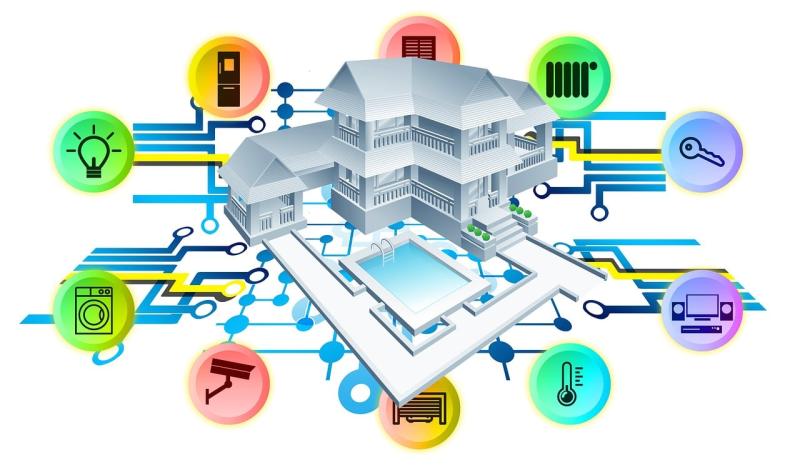
Getting started with home automation might sound a bit daunting, but it’s really easier than you think! Imagine controlling the lights, thermostat, and even the coffee maker with just your phone. You don’t need to be tech-savvy to get rolling; just a little curiosity and some simple steps will set you on the right path.
First, think about what you want to automate in your home. Do you want to adjust your lighting for ambiance? Or perhaps monitor your home security? Make a list of tasks that could make your daily routine smoother. Once you have that down, it’s time to pick a hub or platform. Options like Google Home, Amazon Alexa, and Apple HomeKit are great places to start. They act as a central command for all your smart devices.
Next up, start small. It's easy to get carried away, but focusing on one or two devices at first can help you learn the ropes without feeling overwhelmed. Smart bulbs and plugs are user-friendly and a nice entry point. Installation usually involves just plugging them in and connecting them to your app. Before you know it, you’ll be switching off lights from the couch or setting schedules for your coffee maker!
Finally, don't forget to explore the integration options. Many smart devices can work together, allowing you to create customized routines. For example, you can set your lights to turn on and your thermostat to adjust when you come home. This not only enhances convenience but can also save you energy. Take your time, experiment a little, and soon enough, you'll feel like a home automation pro!
- Essential Devices for Your Smart Home
If you're just starting with home automation, there are a few essential devices you should consider to make your life easier and your home smarter. These gadgets can help you control everything from lighting to security, making your home more convenient and efficient.
Smart Speakers: A smart speaker, like the Amazon Echo or Google Nest Hub, serves as the heart of your smart home system. You can use voice commands to play music, check the weather, or control other smart devices. They're user-friendly and perfect for beginners!
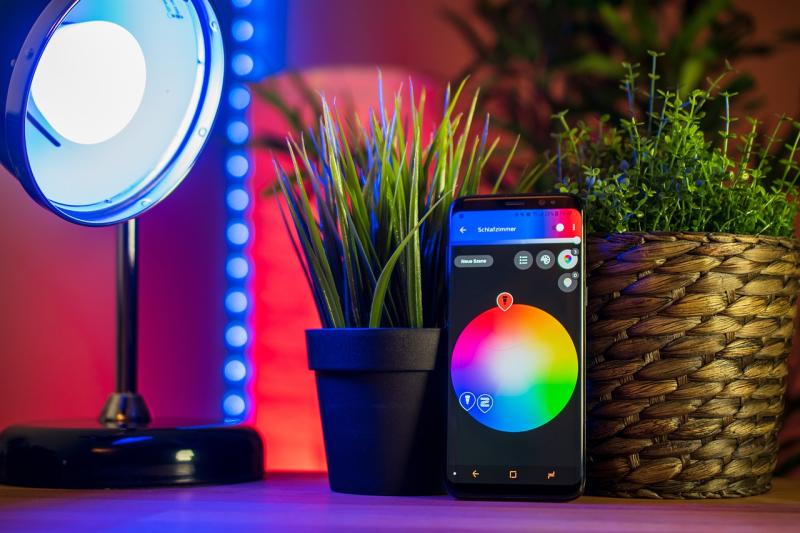
Smart Lights: Say goodbye to fumbling for switches! Smart bulbs let you control your lights from your phone or with your voice. You can dim them, change colors, or set schedules. Popular options include Philips Hue and Wyze Bulbs, and they’re super easy to set up.
Smart Plugs: These plugs turn your regular devices into smart ones. Just plug any appliance into a smart plug, and you can control it remotely. Whether you want to turn on a lamp or start a coffee maker before you get out of bed, smart plugs make it simple.
Smart Security Cameras: Keeping an eye on your home has never been easier. Cameras like Ring or Arlo let you monitor your property in real-time through your smartphone. They'll notify you if they detect any movement, adding that extra layer of security to your home.
- Simple Tips for Easy Setup
Getting started with home automation doesn't have to be a headache. Here are some simple tips to help you set up your smart home without the stress!
1. Start Small: It's tempting to go all in, but starting with one or two devices is a smart move. Consider starting with smart bulbs or a smart plug. These are easy to install and can make a big difference in how you interact with your home.
2. Choose a Compatible Hub: Having a central hub can make managing your devices a breeze. Look for options that work seamlessly with the products you've chosen. Popular choices include Google Home, Amazon Echo, or Samsung SmartThings. Make sure your devices support the hub to avoid compatibility issues.
3. Use App Controls: Most smart devices come with apps that simplify setup and control. Download the app for each device and follow the prompts. Don't rush! Take your time during the setup process, and remember, you can always refer to the user guide if needed.
4. Make Use of Voice Control: If you have a voice assistant, use it to enhance your home automation experience. With just your voice, you can turn on lights, control the thermostat, or even ask for the weather. It's super convenient and can save you a lot of time!
- Troubleshooting Common Issues in Automation
Getting started with home automation is exciting, but sometimes things don’t go as smoothly as you'd like. No worries! Here are some common issues you might face and some easy solutions to get you back on track.
1. Connectivity Problems:
2. Device Compatibility:
3. Automation Glitches:
With these tips, you’ll be able to tackle common automation issues like a pro. Remember, it’s all about experimenting and learning along the way!